Our Process
- How It Works

Watch the process in two minutes

A short walkthrough of uploading a photograph, choosing an art style, adding your instructions and selecting how the artwork is presented.

Video Cover

01

Upload Your Photograph

We believe art can begin with something as familiar as a photograph you love.

The Pixel Masala brings together personal memories, artistic expression and contemporary décor, allowing people to explore different visual styles and create artwork that has a genuine connection to their lives.

You do not need to know anything about art to begin.

02

Choose Your Art Style

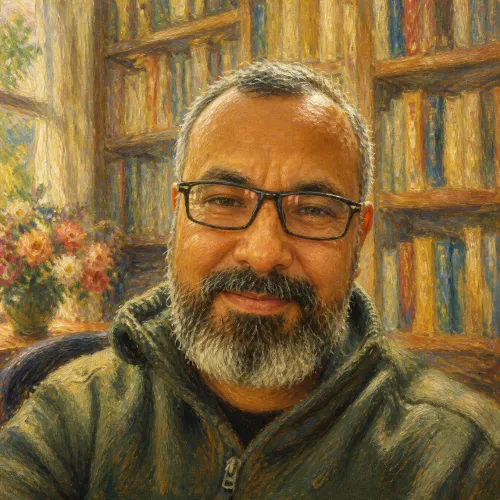
Choose from 11 distinctive art styles. Each style has its own visual character and creative direction, so select the one that best matches how you would like your photograph interpreted.

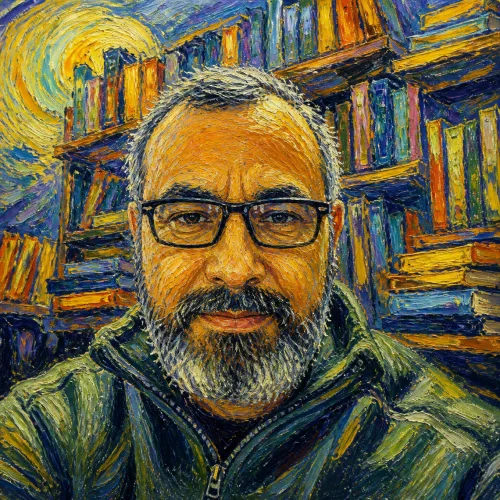
Radiant Brush
1

Radiant Brush

Warm, luminous and inviting, with a soft painterly character.
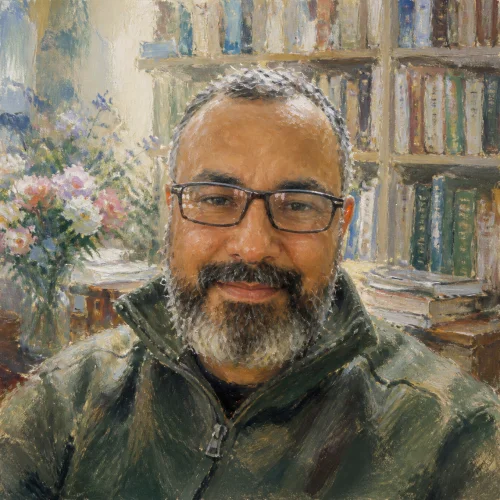
Expressive Brush
2

Expressive Brush

Expressive brushwork, movement and strong visual energy.
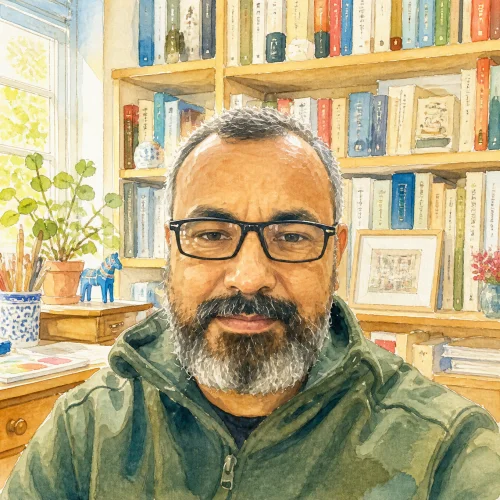
Dreamy Brush
3

Dreamy Brush

Soft, delicate and impressionistic, with an airy painterly feel.
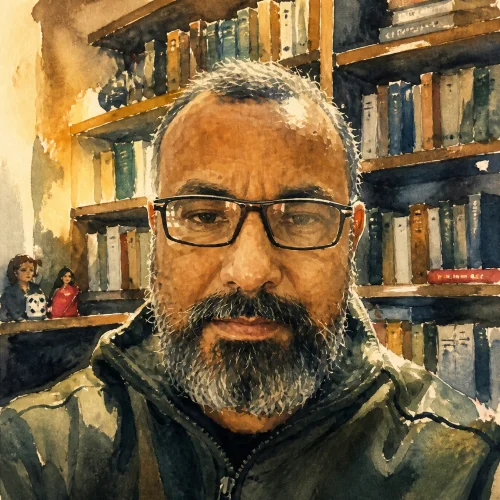
Fresh Palette
4

Fresh Palette

Light, cheerful and naturally colourful, with a fresh water-colour character.
Dramatic Wash
5

Dramatic Wash

Strong washes, confident colour and atmospheric depth.
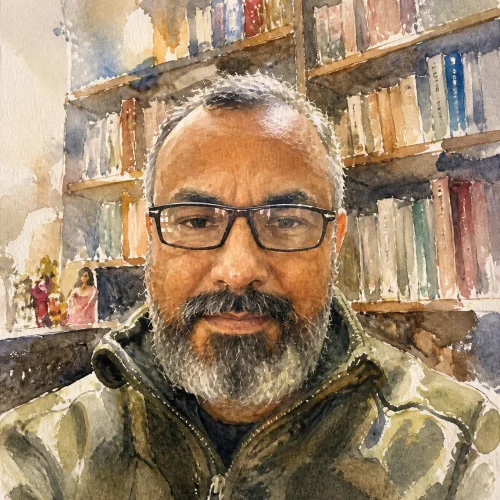
Airy Brush
6

Airy Brush

Free, confident and beautifully understated, with fluid water-colour handling.
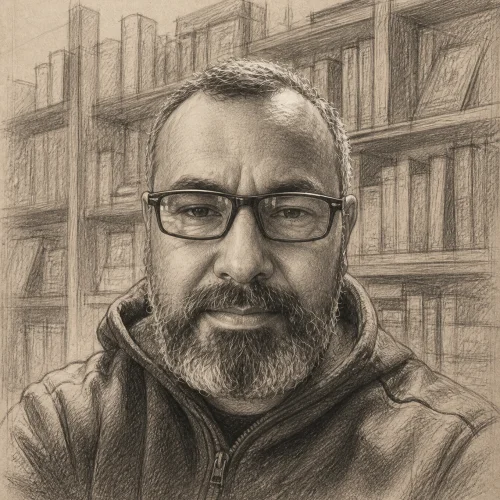
Graphite Detail
7

Graphite Detail

A timeless hand-drawn approach built around line, tone, shading and carefully observed details.
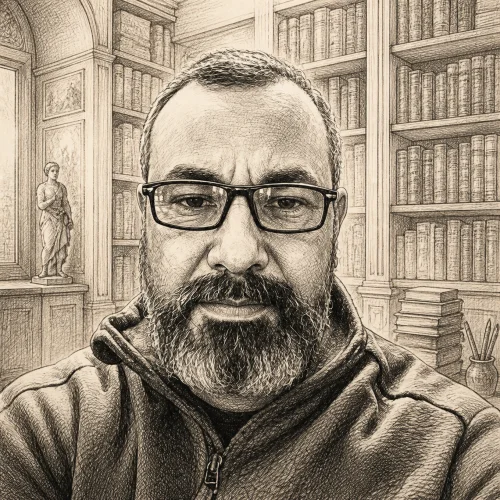
Brush & Ink
8

Brush & Ink

Expressive brush marks, atmospheric ink washes and the beauty of intentional simplicity.

Graphic Line
9

Graphic Line

Precise outlines, controlled flat colour and clean, highly readable forms.

Vivid Pop
10

Vivid Pop

Graphic outlines, vivid colour and distinctive halftone-inspired detailing.
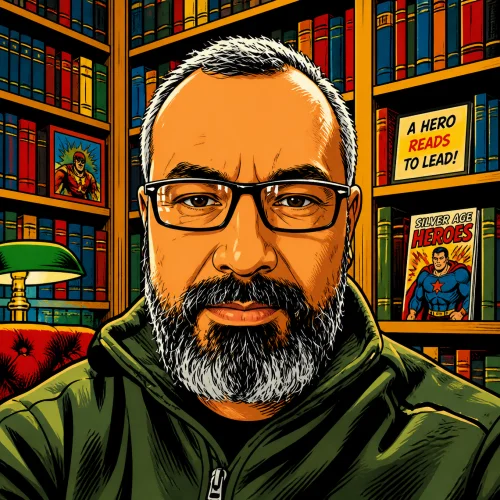
Action Comic
11

Action Comic

Dynamic composition, vivid colour and stronger superhero-inspired visual energy.
Each style describes the broad visual language that influences the artwork. It does not mean that the finished artwork will be an exact reproduction of an existing artist’s work. Personalised artwork involves creative interpretation, so some variation is natural.

The samples and style references shown on the website communicate the expected artistic direction and are not exact previews of your final artwork.

03

Make It Personal

Every photograph has its own story. Tell us what you would like changed, added or preserved. You can write in your own words, just as you would explain it to another person - no special format or design terminology is required.

Background

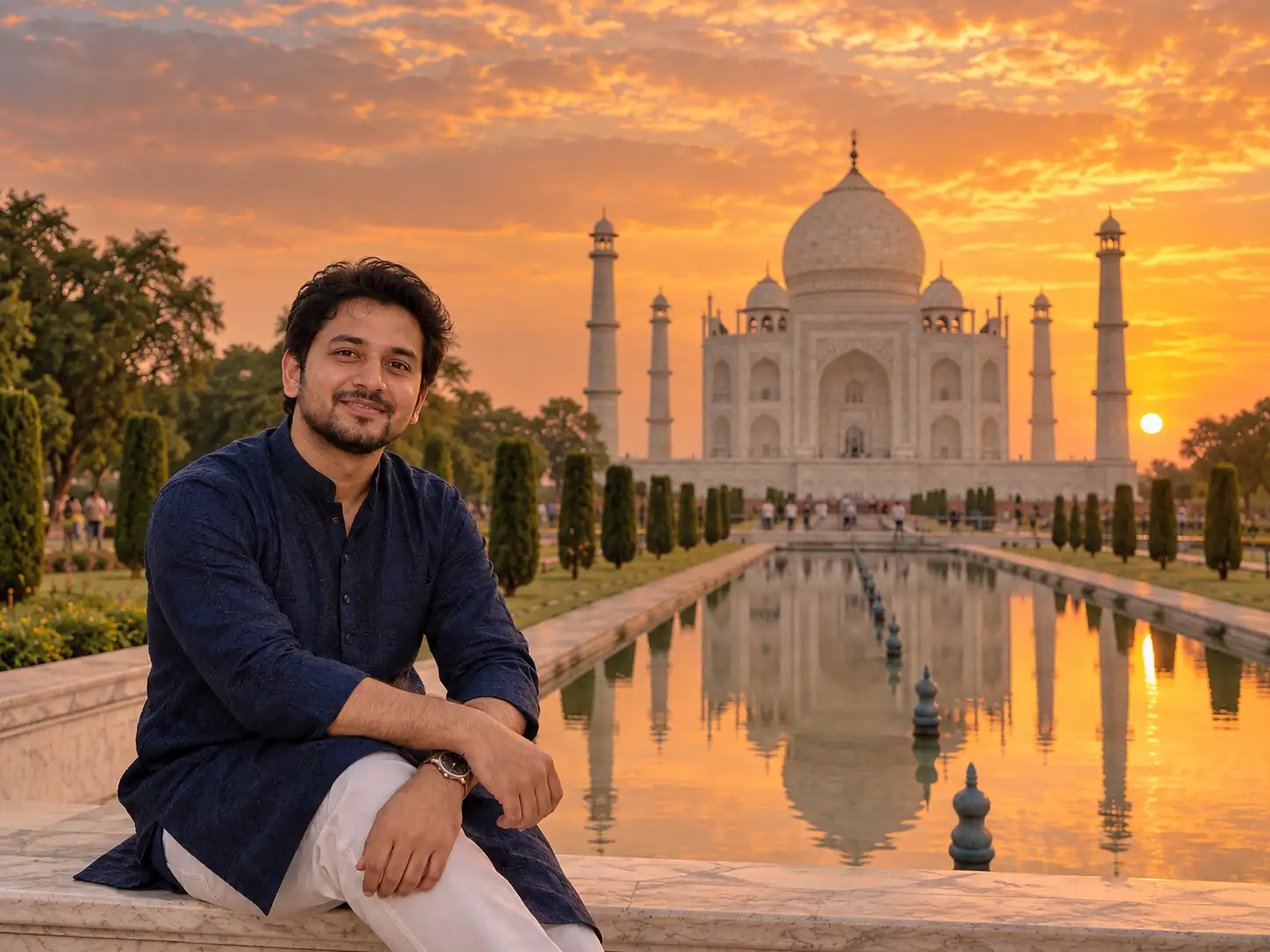
"Put the Taj Mahal in the background and make it look like sunset."

Clothing

"Change my shirt to a dark blue kurta, but keep my face and hairstyle the same."

Mood And Colour

"Make the overall picture feel warm, elegant and slightly festive."

Pose Or Composition

"Keep our pose the same, but bring us a little closer together."

Objects And Details

"Remove the chair behind us and keep the flowers in the foreground."

example prompt
Example You Can Type:

"Keep my face and pose the same. Put the Taj Mahal in the background, make the sky look like sunset, change my clothes to a dark blue kurta and give the artwork a warm, elegant feel."

If you do not have any special instructions, you can skip this step. Your uploaded photograph and selected art style will guide the creative direction.

04

Choose Your Presentation

Choose how you would like your finished artwork presented. At this stage, select one of the two presentation options below.

workspace

Photo Frame

Choose this option if you want your artwork supplied in a photo frame

05

Select Orientation, Size & Frame Options

Complete the options for your selected presentation.

If you choose Photo Frame:

01

Select the frame colour: Oak Colour or Black.

02

Select the orientation: Portrait or Landscape.

03

Select the size:

18 × 24 inches

12 × 18 inches

8 × 12 inches

06

Review & Place Your Order

Before checkout, review your complete selection. The options shown should reflect the presentation type you selected, and together they will form the creative brief for your personalised artwork.

  • Uploaded photograph
  • Selected art style
  • Optional instructions
  • Presentation choice: Photo Frame
  • Uploaded photograph
  • Selected art style

Once everything looks right, continue to checkout and complete your order.

07

What Happens After Checkout

Your photograph and all the choices you made are brought together as the creative brief for your personalised artwork.

The brief includes your uploaded photograph, selected art style, any optional instructions, presentation choice, orientation, frame colour where applicable, and selected size.

The final artwork is individually created in the chosen artistic direction. Because personalised artwork involves creative interpretation, the style samples on the website should be treated as references rather than exact previews of the finished piece